01 / THE BUILDER
They build the sheet.
You run the shop.
An in-browser builder right on your Shopify product page. Customers upload, size, and arrange their own transfers without you opening Illustrator.
Let customers build their own DTF & sublimation gang sheets in your store.
Files auto-download straight to your computer via Google Drive or Dropbox.
Built in Calgary, Canada for commercial print shops. Pro Transfers Builder auto-detects low DPI, nests DTF film and sublimation paper rolls, and streams 300 DPI files straight into your RIP hot folder.
Free to install. No monthly subscription. First 10 builder orders each month are free, then 5% capped at $10 USD.
Give customers the tools to get it right.
Give yourself the space to grow.
An in-browser builder right on your Shopify product page. Customers upload, size, and arrange their own transfers without you opening Illustrator.
Auto-nesting packs designs tightly around their actual shape so customers get more from every sheet.
Checks resolution on upload. Blurry 72 DPI screenshots get flagged before payment, with one-click sharpening and background removal built in.
When an order is placed, print-ready files sync straight to your desktop. Point CADlink, AcroRIP, or Flexi at the folder and print.
Customer designs and pays for a 22" × 120" gang sheet on your Shopify store. Order is verified and paid.
Our rendering worker streams print-ready 300 DPI CMYK+W PNGs in resilient 16 MiB chunks directly to your cloud.
Google Drive for Desktop or Dropbox syncs the file locally to the PC connected to your DTF printer.
CADlink Digital Factory, AcroRIP, or Flexi watches the synced folder, processes the job, and prints automatically.
Stop checking Shopify admin every 15 minutes, unzipping downloads, and transferring files via USB sticks. Production files land right in your print queue automatically.
A duplicate print wastes film, ink, and press time. Every delivery uses idempotent provider tokens and SHA-256 content hashes so an order isn't queued twice.
Just connected your drive? Push all past orders from the last 7 or 30 days with a single click. Ideal for reprints, backups, and cataloging.
Checks resolution on upload and flags blurry files before checkout so you do not have to chase customers for better art.
Strips out solid backgrounds, trims empty padding, and packs copies onto the best-fitting DTF or sublimation roll.
Google Drive and Dropbox sync 300 DPI PNGs into your watched folder as soon as the order is paid.
Engineered alongside our own Canadian print shop floor.
One Shopify app for every roll-to-roll transfer workflow.
Built for 22″ and 24″ roll-to-roll DTF shaker lines. True-shape polygon nesting packs apparel logos tightly with configurable cut margins, while client-side black garment knockout and halftoning save up to 35% on white underbase ink.
Ideal for custom hockey and team jerseys, athletic cut-and-sew panels, 20 oz tumbler wraps, mug sheets, and lanyards on 22″, 24″, 44″, and 60″ sublimation paper rolls. Customers arrange multi-size transfers in one checkout without manual prepress.
Headquartered in Calgary, Alberta and battle-tested daily at Formulated Prints. Native Shopify 2.0 integration works out of the box with Canadian Dollars (CAD), US Dollars (USD), and 18 storefront languages including English and French.
A familiar place to create.
A shorter path to print-ready.
Your artwork library, sheet canvas, arrangement tools, and layers together in the actual customer-facing builder.
Captured from our live app in light mode with sample artwork. Prices shown belong to the test store.
When customers upload phone photos with solid backgrounds or heavy black boxes, they often hesitate or abandon their cart. Pro Transfers Builder gives them 1-click cleanup tools right in their browser so they can fix their artwork on the spot and order transfers that press cleanly.
Customers without Photoshop often get stuck when their logo has a white background box or low DPI. Built-in 1-click tools let them fix it themselves and finish checking out.
Halftoning and black knockouts prevent thick, stiff ink patches. Transfers drape naturally with the fabric, hold up in the wash, and keep customers coming back.
Stop spending hours doing free background removals in Photoshop or emailing back and forth about file formats. Clients fix their own files, and your RIP gets a clean 300 DPI PNG.
 Raw Client File
Large solid ink deposits make DTF prints feel heavy, trap heat, and crack after a few washes. Pro Transfers Builder converts gradients and photo artwork into calibrated micro-dots that blend into the fabric, breathe naturally, and reduce white underbase ink usage by up to 35%.
No fixed monthly subscription. Your first 10 builder orders each month are free, then 5% per order capped at $10 USD. Try the customer experience before you install.
Free self-install. Optional setup services available.
Pro Transfers Builder is the Shopify gang sheet builder engineered by Formulated Apps, a Canadian software company based in Calgary, Alberta. Your customers upload artwork and build custom DTF, Sublimation, and UV DTF transfer gang sheets right inside your Shopify store, while you receive calibrated 300 DPI print-ready files tied directly to each order.
Yes. Pro Transfers Builder is built for any roll-to-roll or cut-sheet transfer workflow on Shopify, including Direct-to-Film (DTF) PET film rolls, wide-format Dye-Sublimation transfer paper rolls (22", 24", 44", and 60" rolls for custom team jerseys, sportswear, mugs, tumblers, and lanyards), and UV DTF hard-goods decals. You can configure custom roll widths, sheet lengths, and cut margins per product variant.
Yes. Formulated Apps is a Canadian software engineering company headquartered in Calgary, Alberta, Canada. We built Pro Transfers Builder alongside our own commercial production facility (Formulated Prints) so Canadian and North American print shops get software tested on real shop floors, with native CAD and USD Shopify checkout compatibility, 18 storefront languages including English and French, and direct support from engineers in Canada.
You connect your Google Drive or Dropbox in one click inside the Pro Transfers Builder merchant panel. The moment a customer checks out on Shopify, our cloud engine generates the calibrated 300 DPI file and streams it straight to your desktop sync folder. Point CADlink Digital Factory, Sawgrass, Ergosoft, Wasatch, AcroRIP, Flexi, or Maintop to that hot folder and your DTF or sublimation printer starts automatically.
When a customer uploads an image, the builder immediately calculates its true print dimensions and resolution. If the artwork falls below 300 DPI, the customer sees an instant visual warning with resolution guidance before they can check out. They can also use our built-in 1-click upscaler to sharpen pixelated images or remove messy backgrounds on the spot.
No. Customers build and preview their DTF or sublimation gang sheets in their browser on your Shopify store. Once paid, the print-ready 300 DPI files sync directly to your local computer via Google Drive or Dropbox with exact dimensions, order number, and variant details in the file name.
Yes. Pro Transfers Builder integrates natively with Shopify Online Store 2.0 themes using an app block. Because checkout runs through Shopify's native cart, it supports Canadian Dollars (CAD), US Dollars (USD), and multi-currency pricing out of the box, plus 18 built-in storefront languages including English and French.
There is no monthly subscription or self-install fee. Your first 10 builder orders each month are completely free, and orders after that have a 5% transaction fee strictly capped at $10 USD per order.
Yes. Open the live demo store to try the customer experience, upload artwork, and explore the builder before adding it to your own Shopify store.
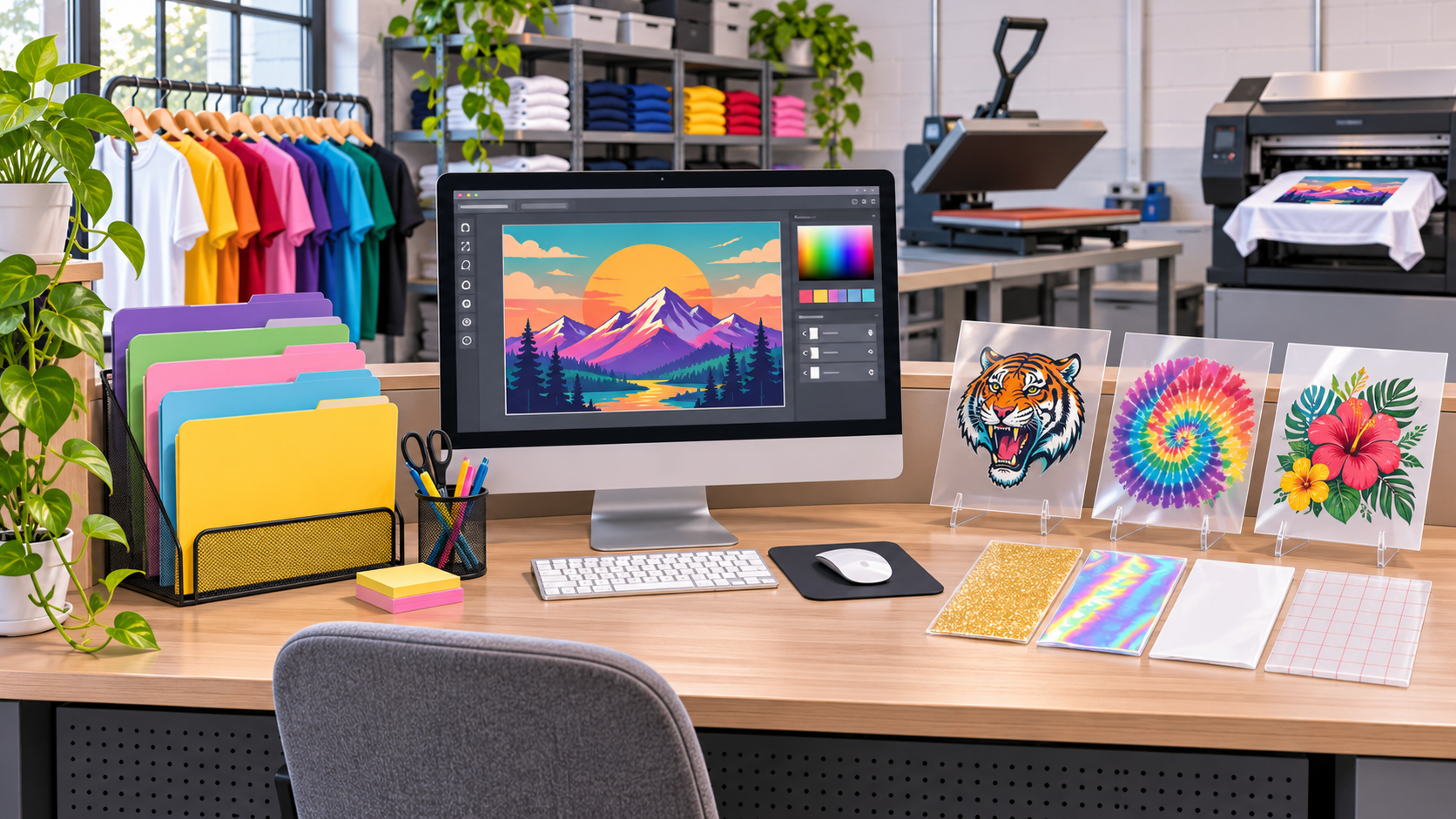
A practical print shop checklist for artwork dimensions, effective resolution, customer approval and production handoff.
Read the guide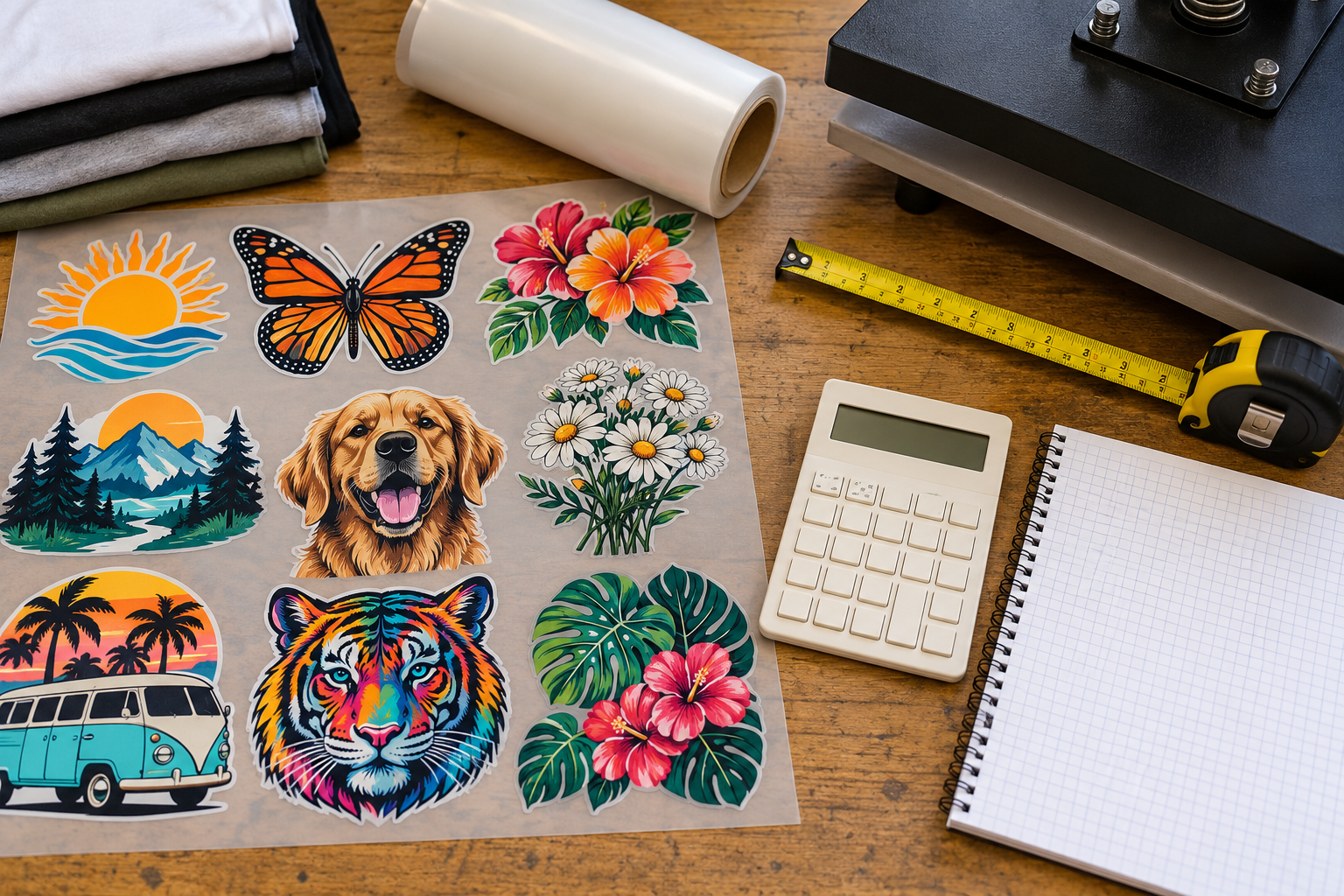
Compare gang sheet options using usable area, finished print count, shipping and reprints, with a worked example for Canadian apparel shops.
Read the guide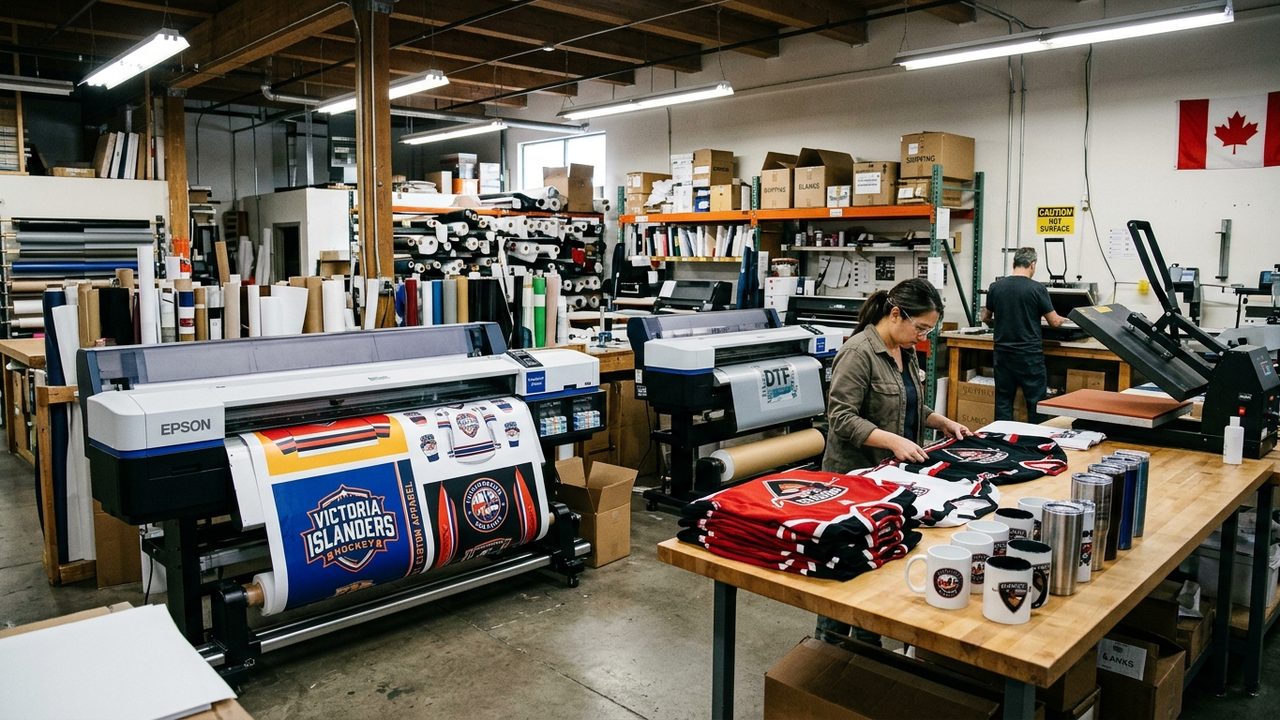
Why Canadian and North American custom apparel print shops choose Formulated Apps (Calgary, AB) and Pro Transfers Builder to automate DTF, Sublimation, and UV DTF gang sheets on Shopify.
Read the guideLet customers handle the layout. Get back to the work you opened your shop for.
PRO TRANSFERS BUILDER · BY FORMULATED APPS